
Introduction
An AI image generator is a software tool that turns a written description, called a prompt, into a new picture. You type what you want, the tool reads the words, and it builds an image that matches the description in seconds. Most AI image generators run in a web browser, many offer a free tier, and results range from photorealistic scenes to illustrations, logos, and product mockups. An AI image generator works by converting a prompt into numbers, then removing noise from a random pattern step by step until a picture forms. The main benefits are speed, low cost, and fast visual testing before paying a designer or photographer. Common uses cover social media graphics, blog images, product mockups, storyboards, presentations, and concept art. The workflow runs from prompt to model to settings to edit.
Key Takeaways
- An AI image generator turns a text prompt into a new image in seconds, and most tools run in a web browser with a free tier.
- Diffusion models build images by removing noise from a random pattern in 20 to 50 steps, guided by the words in the prompt.
- ChatGPT Images, Gemini, Midjourney, Firefly, and Ideogram lead in 2026, and each one wins a different job.
- A strong prompt names the subject, action, setting, style, lighting, and aspect ratio.
- Free plans suit casual use, and paid plans suit commercial work, private images, and high-volume output.
- Check licence terms before commercial use, since ownership and training-data rules differ by tool.
Table of Contents
- What Is an AI Image Generator?
- How Does an AI Image Generator Work?
- What Are the Main Types of AI Image Generators?
- Best AI Image Generators in 2026
- How Do You Write a Prompt That Works?
- Free vs Paid AI Image Generators: Which One Fits Your Needs?
- What Can You Use AI Images For?
- Copyright, Ownership, and Safe Use
- Common Problems and Fixes
- Conclusion
What Is an AI Image Generator?
An AI image generator is a software tool that takes a natural language prompt and produces a new image matching that description. The tool does not copy an existing photo. The tool builds a new image from patterns learned during training on large sets of images paired with captions. The output can be a photograph-style scene, an illustration, a poster, a logo draft, or a product mockup, and the user controls the result through words, reference images, and settings.
An AI image generator serves beginners and professionals at the same time. A beginner types a plain sentence and gets a usable image in under a minute. A professional adjusts aspect ratio, style presets, seed values, and reference images to hold a consistent look across a full set. Many tools also edit from an uploaded photo plus a worded change. Readers who want more technology explainers can explore the Tech section for guides on software, devices, and digital methods.
How Does an AI Image Generator Work?
An AI image generator works in 3 stages: a text encoder converts the prompt into numbers, a diffusion model removes noise from a random pattern in repeated steps guided by those numbers, and a decoder turns the finished pattern into pixels. Most modern tools use latent diffusion, which runs noise removal in a compressed space rather than on full pixels, keeping generation fast enough for a phone app.
The 3 stages run in this order:
- Encode the prompt into a numerical embedding that captures word meaning and relationships.
- Start from random noise and remove predicted noise at each step, guided by the embedding.
- Decode the cleaned pattern into a full-resolution image and deliver the image to the screen.
During training, the model watches real images buried under increasing noise, and the model learns to predict which part of a noisy image is noise and which part is signal. At generation time, the model reverses the process from pure noise until structure appears. Rough shapes appear near step 12, recognisable forms near step 30, and the last steps add texture and edges. OpenAI released CLIP (Contrastive Language-Image Pre-training) in 2021, and CLIP learned to match images with captions from 400 million image-text pairs (Source: OpenAI, 2021). The denoising diffusion method took its modern form in the DDPM paper by Jonathan Ho, Ajay Jain, and Pieter Abbeel, published in June 2020 (Source: Ho, Jain, and Abbeel, 2020). Stable Diffusion trained on image-caption pairs from LAION-5B, a dataset of roughly 5 billion pairs from the open web (Source: LAION, 2022). The text-to-image model page explains the full architecture in plain terms.

Diffusion models do not draw. Diffusion models remove noise from static, step by step, until the prompt description appears.
What Are the Main Types of AI Image Generators?
The main types of AI image generators are general-purpose chat tools, style-first art tools, design-integrated tools, open-weight tools, and text-first design tools, and each type suits a different job. General-purpose chat tools take plain language and edit by conversation. Style-first art tools favour cinematic and artistic looks. Design-integrated tools sit inside design editors. Open-weight tools run on the user’s own machine or server. Text-first design tools render readable words inside posters, logos, and ads.
General-Purpose Chat Tools
General-purpose chat tools generate and edit images through conversation, and general-purpose chat tools suit beginners and everyday jobs. ChatGPT Images and Google Gemini lead this type. The user describes the image, views the result, then asks for changes in plain words: change the background, swap the colour, or add an object.
Style-First Art Tools
Style-first art tools favour artistic finish and cinematic composition, and style-first art tools suit posters, editorial art, and concept work. Midjourney leads this type. Midjourney has no free tier, and images stay public by default unless a Pro plan or higher switches on private mode.
Design-Integrated Tools
Design-integrated tools generate images inside a design editor, and design-integrated tools suit teams that already work in that editor. Adobe Firefly sits inside Photoshop and Illustrator, and Canva Magic Media sits inside Canva.
Open-Weight Tools
Open-weight tools give the user the model weights to run, adjust, and extend, and open-weight tools suit developers and privacy-conscious users. Stable Diffusion and FLUX lead this type. The user runs the model locally or through an API, trains custom styles, and controls every setting. Local use needs a capable graphics card, and local use costs nothing per image after setup. The Stable Diffusion page documents the model family, its release in August 2022, and its three-part design.

Text-First Design Tools
Text-first design tools render readable, correctly spelled words inside images, and text-first design tools suit posters, book covers, social ads, and simple logos. Ideogram leads this type, and Recraft adds true vector output in SVG format for icons and brand assets. General tools still misspell long words, so text-heavy jobs belong on a text-first tool or finish in design software.
Best AI Image Generators in 2026
The best AI image generator in 2026 depends on the job: ChatGPT Images wins as the all-rounder, Google Gemini wins for faithful photo edits, Midjourney wins for artistic style, Ideogram wins for readable text, Adobe Firefly wins for commercial safety, and FLUX wins for open-weight control. No single tool wins every job, and the table below maps each tool to its strongest use.
| Tool | Best for | Free tier | Starting paid price | Watch out for |
|---|---|---|---|---|
| ChatGPT Images (OpenAI) | Everyday images, long prompts, edits | Limited | $8 per month (Go) | Limits on free use are unpublished |
| Google Gemini (Nano Banana) | Faithful photo edits, same-person consistency | Yes, limited daily images | $19.99 per month | Artistic range trails Midjourney |
| Midjourney | Cinematic art, editorial style | No | $10 per month (Basic) | Images public by default |
| Adobe Firefly | Commercial work, Photoshop users | Free daily generations | $9.99 per month (Standard) | Softer, less dramatic look |
| Ideogram | Posters, logos, readable text | Weekly credits | $15 per month billed yearly | Images public on the free plan |
| Leonardo.ai | Game art, product assets | 150 tokens a day | $12 per month | Free images are public |
| FLUX (Black Forest Labs) | Photorealism, self-hosting, APIs | Free locally | About $0.03 per image via API | Setup skill needed for local use |
| Canva Magic Media | Quick social graphics, teams | Yes, limited credits | $18 per month (Pro) | Not built for final production art |
Prices come from vendor pricing pages checked in October 2026, so confirm current terms before subscribing. In my own test runs, short prompts with one subject and one style beat long prompts packed with five styles across three tools.
How Do You Write a Prompt That Works?
A prompt that works names the subject, action, setting, style, lighting, mood, camera view, and aspect ratio, and a prompt that works keeps each element in its own short phrase. The formula turns vague requests into precise instructions and cuts failed generations.
Prompt formula: subject plus action plus setting plus style plus lighting plus mood plus camera view plus aspect ratio.
Worked example, weak version: “a nice coffee shop picture.”
Worked example, strong version: “A barista pours latte art in a small neighbourhood cafe, warm morning light through large windows, photorealistic style, calm mood, eye-level 35mm camera view, 16:9 aspect ratio.” The strong version gives the tool 8 decisions instead of guesses.
Five prompt rules improve results fast:
- Put the subject first, since the first words carry the most weight.
- Use one style per prompt, since mixed styles blur the result.
- Name numbers directly, such as “3 red chairs” or “2 people”, for countable objects.
- Put words for text in quotes, since quotes mark exact spelling for text-first tools.
- Change one element at a time between runs, since single changes show what caused the shift.
For edits, describe only the change: “Change the background to a beach at sunset, keep the same woman and dress.” A reference photo helps the tool keep a product identical while changing the scene. Readers who work with image-based measurement as well as image creation can read What Is Photogrammetry? Complete Guide for a related image technology.
Free vs Paid AI Image Generators: Which One Fits Your Needs?
Free plans fit casual use, testing, and low-volume social posts, while paid plans fit commercial work, private images, high-volume output, and consistent characters. The decision rests on volume, privacy, commercial rights, and control.
| Factor | Free plan | Paid plan |
|---|---|---|
| Monthly volume | Daily or weekly credit caps | Hundreds to thousands of images |
| Image privacy | Often public by default | Private mode on most paid tiers |
| Commercial rights | Varies by tool, check terms | Clearer rights on most paid tiers |
| Speed and resolution | Slower queue, capped size | Fast generation, up to 4K or 8K |
Start free for personal or occasional jobs. Move to paid when clients see the output, when images must stay private, or when a free cap interrupts a deadline. The sweet spot for most readers sits between $8 and $20 per month on October 2026 vendor pricing, covering a solid plan on ChatGPT, Midjourney Basic, Firefly Standard, or Ideogram Plus.
What Can You Use AI Images For?
AI images serve social media graphics, blog and article images, product mockups, advertising drafts, storyboards, presentations, book covers, and concept art, and AI images serve each use at a fraction of photo shoot cost. A small business owner can mock up a product photo before paying for studio shots. A blogger can illustrate every article without a stock subscription.
AI images also support work that photos cannot: scenes that never existed and products still in design. Marketing teams test many ad visuals fast, then commission only the winning concept. The Voice of Wave blog covers practical technology guides of this kind for general readers, and AI image tools belong in that same everyday toolkit.
Copyright, Ownership, and Safe Use
Copyright rules for AI images differ by tool and by country, and copyright rules require the user to check the licence terms before commercial use. The U.S. Copyright Office stated in 2023 that material produced by a machine without human authorship lacks copyright protection, and that position means a raw prompt-only image may not qualify for copyright even when the tool grants usage rights. Human creative input changes the picture: selecting, arranging, editing, and combining AI output with original work can support a claim over the human-authored parts.
Three rules keep use safe. First, read the tool terms: some grant full commercial rights, some limit free-plan use, and some keep images public by default. Second, avoid real people, trademarks, logos, or living artists in their exact style for commercial sale, since those uses invite disputes even when the tool allows generation. Third, disclose AI use where a client, publisher, or platform asks, since hidden AI use causes more trouble than labelled AI use. Adobe Firefly offers the cleanest commercial standing among major tools, since Adobe trained its own models on licensed and public domain content, and Adobe describes Firefly output as safe for commercial use.
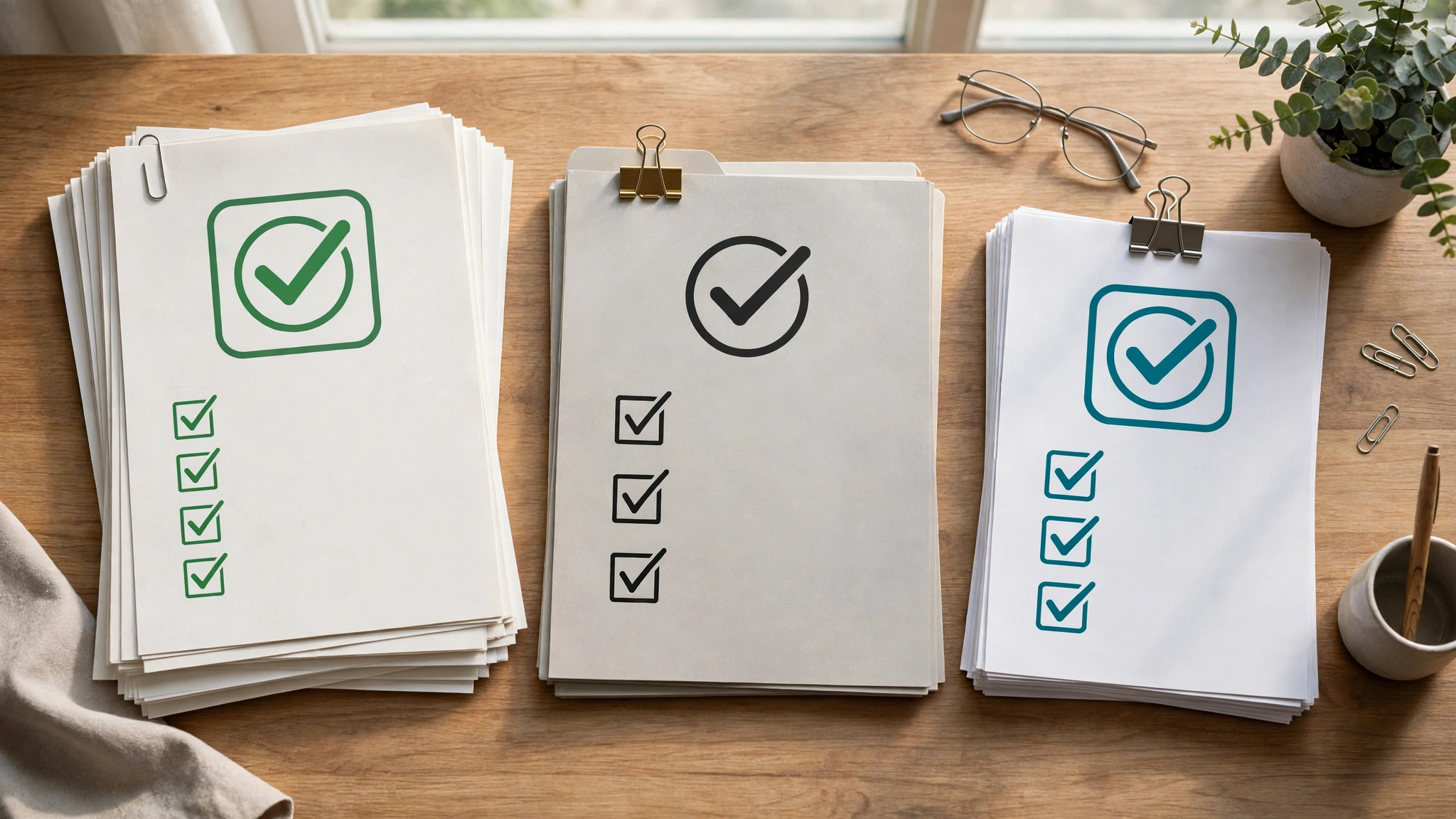
Safe AI image use rests on reading the licence, avoiding real people and trademarks, and disclosing AI use when asked.
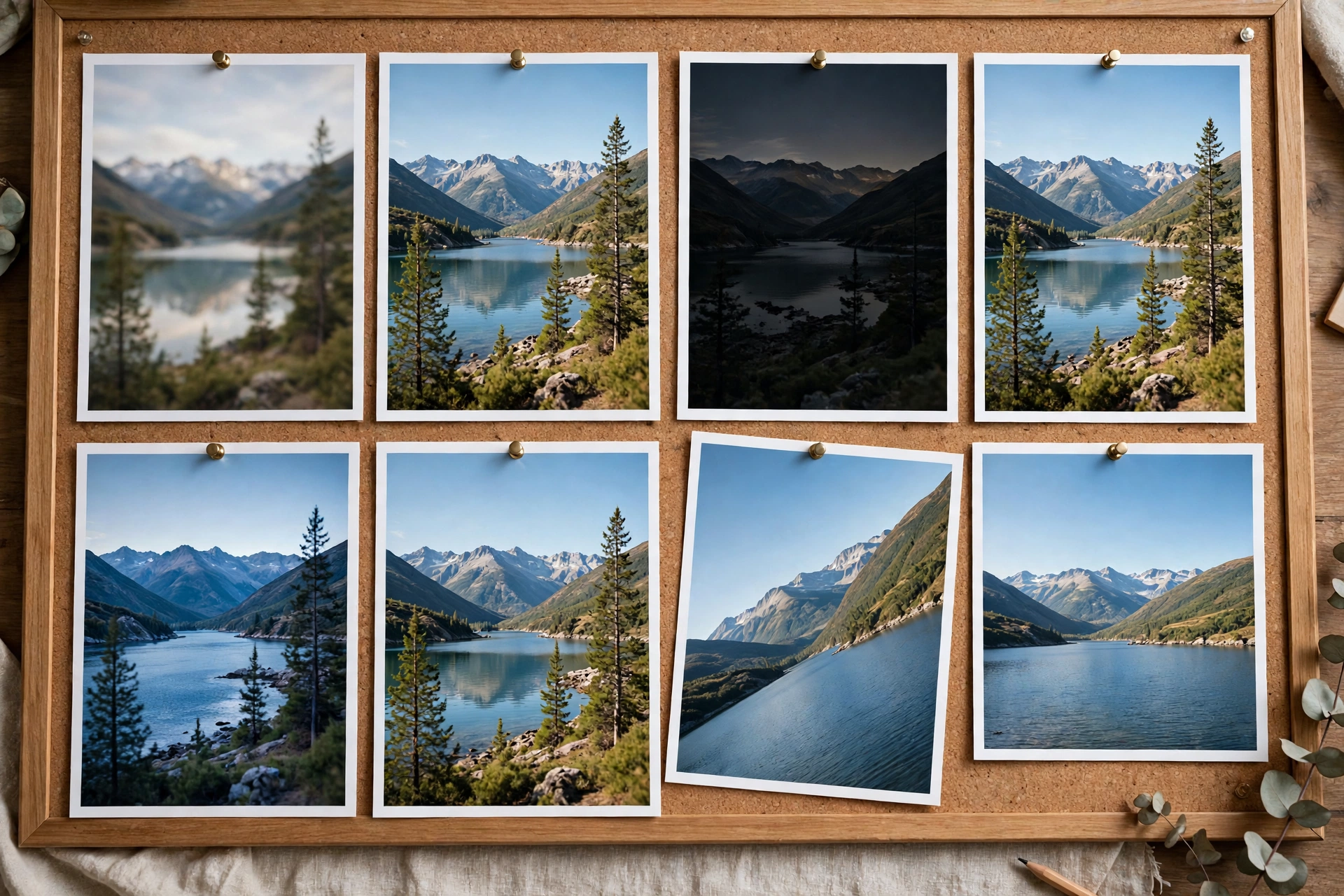
Common Problems and Fixes
Common AI image problems trace to a prompt or settings choice, and each problem below has a direct fix. The table below pairs each problem with the fix that works most often.
| Problem | Fix |
|---|---|
| Garbled or misspelled text | Use a text-first tool, put words in quotes, shorten the text |
| Wrong face or changed person | Upload a reference photo and name the person as “same person” |
| Inconsistent character across images | Reuse the same reference image and seed value each run |
| Extra fingers or distorted hands | Ask for hands out of frame, or crop and edit the result |
| Style drift across a set | Lock one style phrase and reuse the exact wording |
| Flat, dull lighting | Name the light: “soft window light” or “golden hour sunlight” |
| Cluttered composition | Remove one element per run until the scene reads clearly |
When a result fails twice, rewrite the prompt instead of regenerating: failed prompts usually hide a vague subject, two competing styles, or an overloaded scene. Save prompts that work, since a saved prompt library cuts future generation time.
Conclusion
An AI image generator turns a text prompt into a new image in seconds, and the best tool depends on the job at hand. ChatGPT Images suits everyday use, Gemini suits faithful photo edits, Midjourney suits artistic work, Ideogram suits readable text, Firefly suits commercial safety, and FLUX suits open control. A strong prompt names the subject, action, setting, style, lighting, and aspect ratio, and a short test on a free tier shows which tool fits before any payment. Check licence terms before commercial use, keep reference images for consistent characters, and save prompts that work. Start with one tool, one clear prompt, and one job.
Explore the latest technology guides and articles on Voice of Wave for more practical explainers.
Frequently Asked Questions
What is an AI image generator?
An AI image generator is a software tool that turns a written prompt into a new image. The tool reads the description, converts the words into numbers, and builds a picture that matches the description in seconds. Most tools run in a web browser and offer a free tier.
Is there a free AI image generator?
Yes, several AI image generators offer free tiers with daily or weekly credits. Google Gemini, Adobe Firefly, Ideogram, Leonardo.ai, and Canva Magic Media all offer free use with limits. Midjourney has no free tier, so testing Midjourney needs a paid plan.
How does an AI image generator work?
An AI image generator works by encoding the prompt into numbers, then running a diffusion model that removes noise from a random pattern in repeated steps. Rough shapes appear early, recognisable forms appear near step 30, and a decoder turns the finished pattern into pixels.
Which AI image generator is best for beginners?
ChatGPT Images is the best AI image generator for beginners, since image creation works through plain conversation. The user describes the image, views the result, and asks for changes in ordinary words, with no special syntax or settings knowledge needed.
Can I use AI generated images commercially?
Yes, commercial use depends on the tool licence terms, so check the terms before selling or publishing. Adobe Firefly offers the cleanest commercial standing among major tools, since Adobe trained its own models on licensed and public domain content. Avoid real people, trademarks, and logos in commercial work.
Why does AI text in images look misspelled?
AI text looks misspelled because general models treat letters as shapes rather than exact characters. Text-first tools such as Ideogram render words far more reliably, and putting words in quotes plus shortening the text also improves spelling. Finish long text in design software for exact results.
Do I own the images I generate with AI?
Ownership depends on the tool terms and on copyright law in your country. Most tools grant usage rights over generated images, but the U.S. Copyright Office stated in 2023 that machine-only output without human authorship lacks copyright protection. Human editing, selection, and arrangement can support rights over the human-authored parts.