
Introduction
The fastest way to charge an Apple Watch is to use the USB-C Magnetic Fast Charging Cable with an 18W or higher USB-C Power Delivery adapter on a model that supports fast charging. With that setup, an Apple Watch Series 10 reaches 80% in about 30 minutes (Source: Apple Support, via Switching to Mac, 2026).
An apple watch charger is a magnetic puck that snaps onto the back of the watch. Fast charging needs three things: the right cable, the right adapter, and a supported model. This guide identifies which charger you own, lists the models that support fast charging, gives the exact steps to speed up charging, explains the watchOS 26 Slow Charger message, compares the fast and standard cables, and closes with battery-health habits. Like other hands-on device guides at Voice of Wave, it sticks to verified figures.
Key Takeaways
- Use the USB-C Magnetic Fast Charging Cable, identified by the aluminum ring around its puck, for the fastest speeds.
- Pair it with an 18W or higher USB-C Power Delivery adapter plugged directly into a wall outlet.
- Fast charging works on Apple Watch Series 7 and later, Apple Watch SE 3, and all Ultra models.
- Apple Watch Series 10 reaches 80% in about 30 minutes; Series 7 through 9 reach 80% in about 45 minutes (Source: Apple Support, via Switching to Mac, 2026).
- A “Slow Charger” message in watchOS 26 means the watch could charge faster with a higher-wattage adapter.
- Heat, USB hubs, and old cables are the three most common speed killers.
Table of Contents
- What Is an Apple Watch Charger and How Does It Work?
- Which Apple Watch Models Support Fast Charging?
- How Do You Charge an Apple Watch Faster?
- Why Does Your Apple Watch Show a “Slow Charger” Message?
- Fast Charging Cable vs Standard Charging Cable: Which One Do You Need?
- What Slows Apple Watch Charging Down?
- How Can You Protect Battery Health While Charging Fast?
- When Should You Replace Your Apple Watch Charger?
- Frequently Asked Questions
- Conclusion
What Is an Apple Watch Charger and How Does It Work?
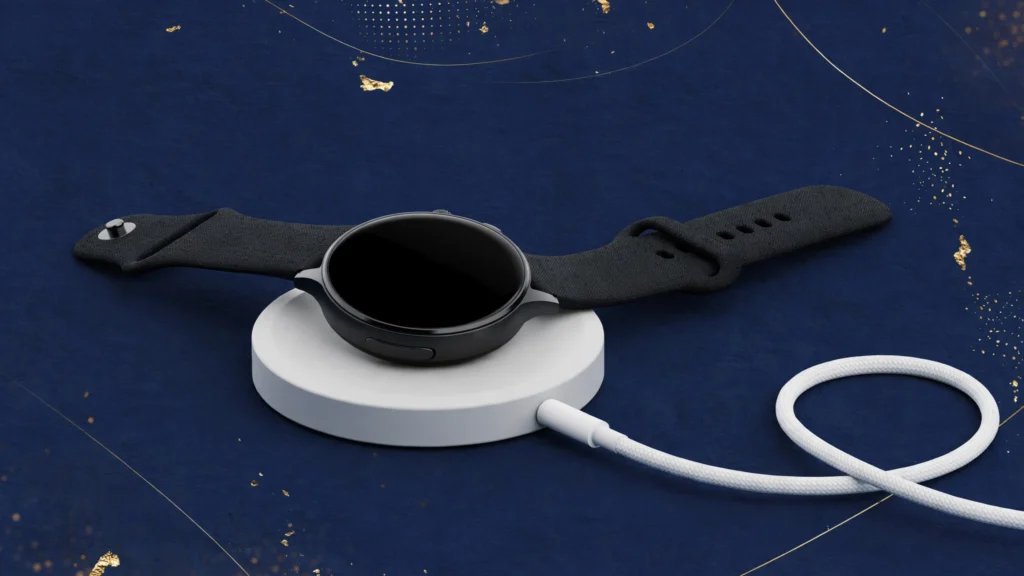
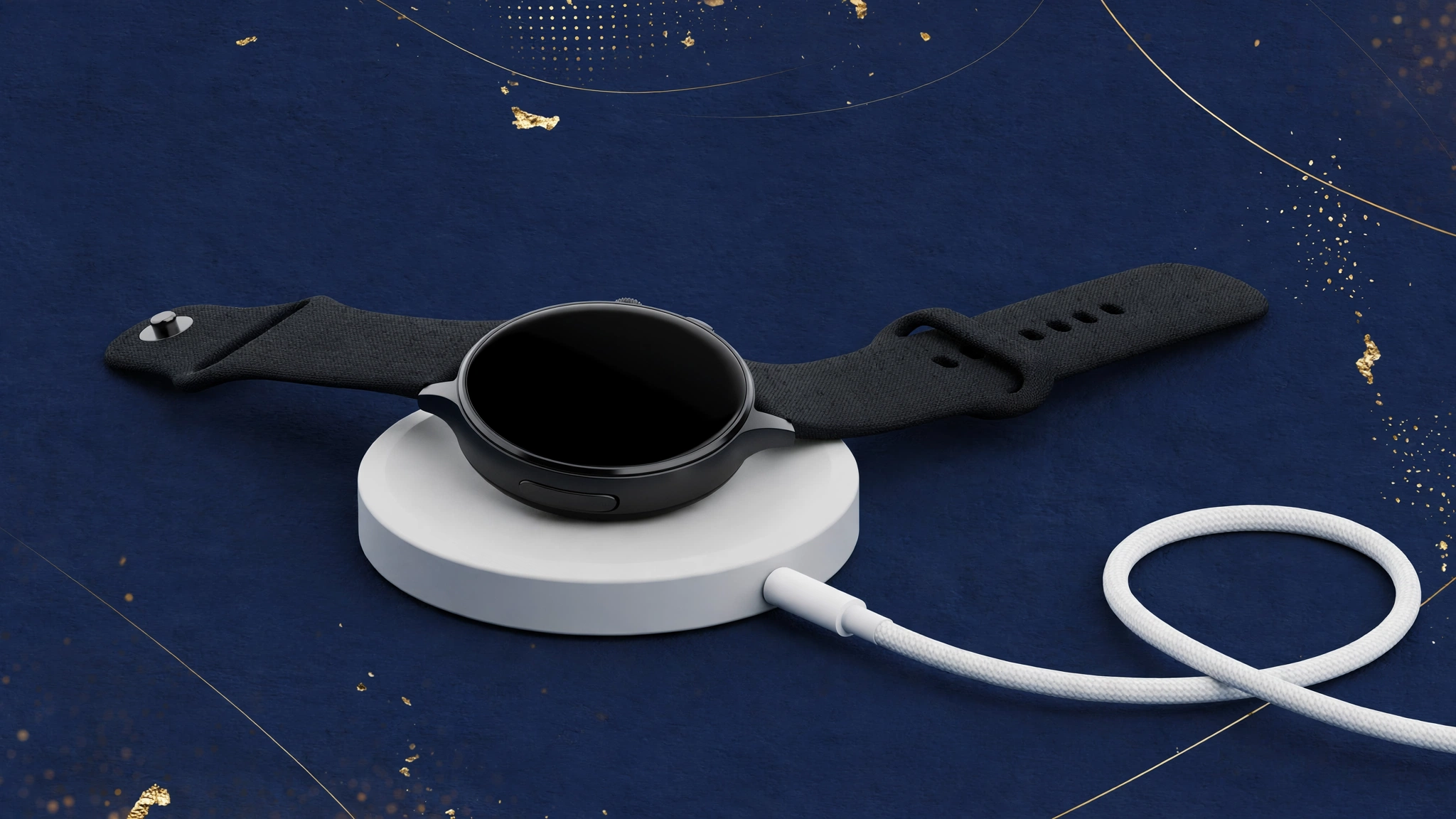
An Apple Watch charger is a magnetic puck attached to a cable that snaps onto the back of the watch and refills its battery. The puck holds itself in place with magnets, aligning its coil with the charging coil inside the watch. Power crosses the gap through inductive charging, the wireless method that moves energy between two coils. A related explainer on inductive charging covers the physics in more detail.
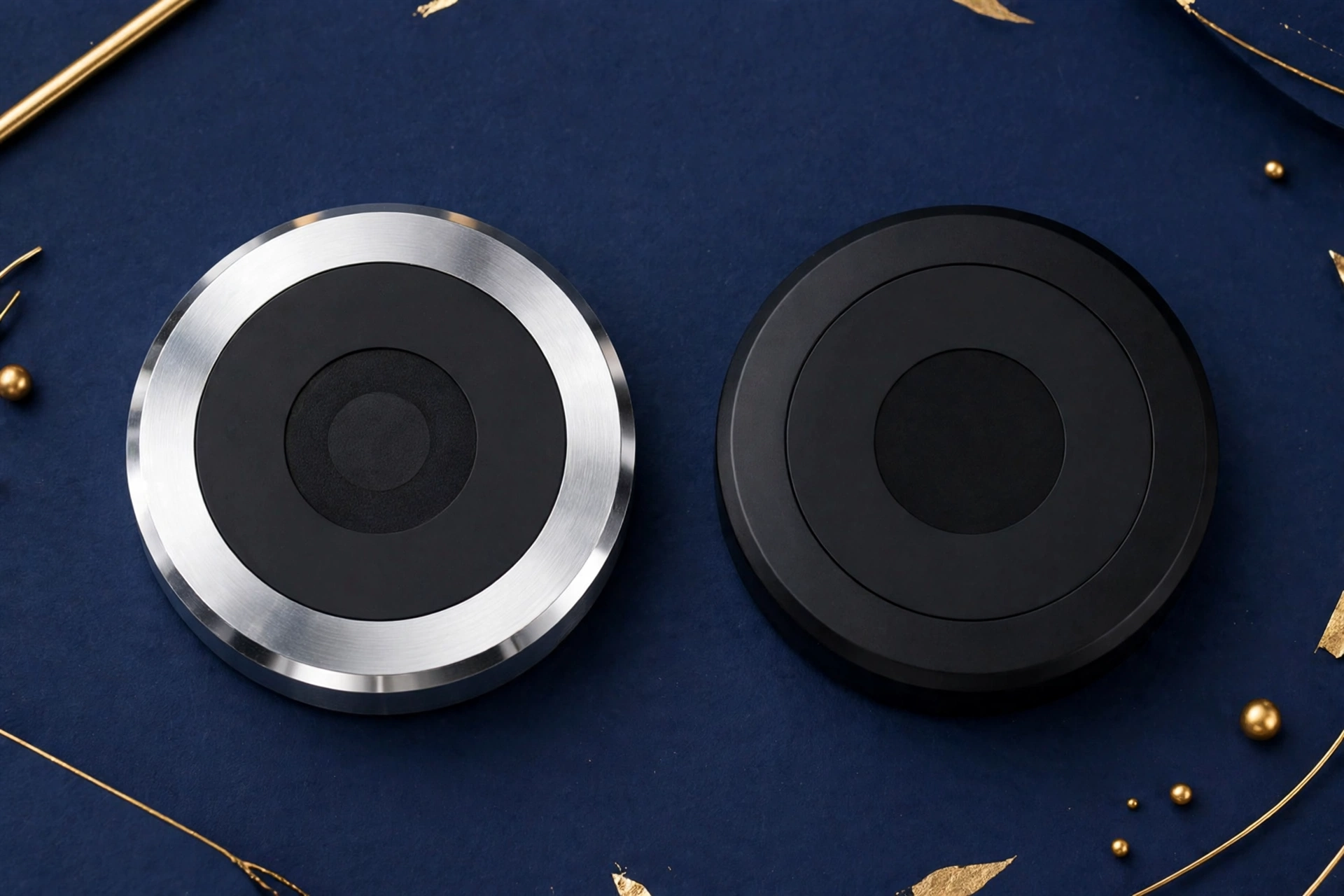
Apple sells two generations of the cable. The standard cable came with older watches and tops out at normal speed. The USB-C Magnetic Fast Charging Cable has an aluminum ring around the puck and delivers higher power to supported models. Both generations are sealed units: no pins to clean inside a port, no plug to force in. You place the back of the watch near the puck and the magnets do the alignment. If the watch sits crooked, charging slows or stops, so check that the puck sits flat against the case.
Which Apple Watch Models Support Fast Charging?
Fast charging works on Apple Watch Series 7 and later, Apple Watch SE 3, and every Apple Watch Ultra model. These watches accept higher power from the cable, so top-ups add hours. Models not on the fast-charge list, including Series 6 and earlier and the first two SE generations, charge at standard speed no matter which cable you use.
The charge times below come from Apple’s fast-charge support page as of October 2026 (Source: Apple Support, via Switching to Mac, 2026):
| Model | 0-80% charge time |
|---|---|
| Apple Watch Series 10 and later | About 30 minutes |
| Apple Watch Series 7, 8, 9 | About 45 minutes |
| Apple Watch SE 3 | About 45 minutes |
| Apple Watch Ultra 3 and later | About 45 minutes |
| Apple Watch Ultra, Ultra 2 | About 1 hour |
In September 2026 Apple released a new charging puck, model A3277, with the Apple Watch Series 12 and Apple Watch Ultra 4. The new puck delivers up to 10W, double the 5W of the previous version (Source: MacRumors, September 2026). With a 15-minute charge, the Series 12 gains about 12 hours of battery life and the Ultra 4 gains about 18 hours, compared with 8 hours and 12 hours for the Series 11 and Ultra 3 on the old puck. You need both the new watch and the new puck for those numbers; the new puck does not speed up older models.
You can find more hands-on device explainers in the Tech section.
How Do You Charge an Apple Watch Faster?
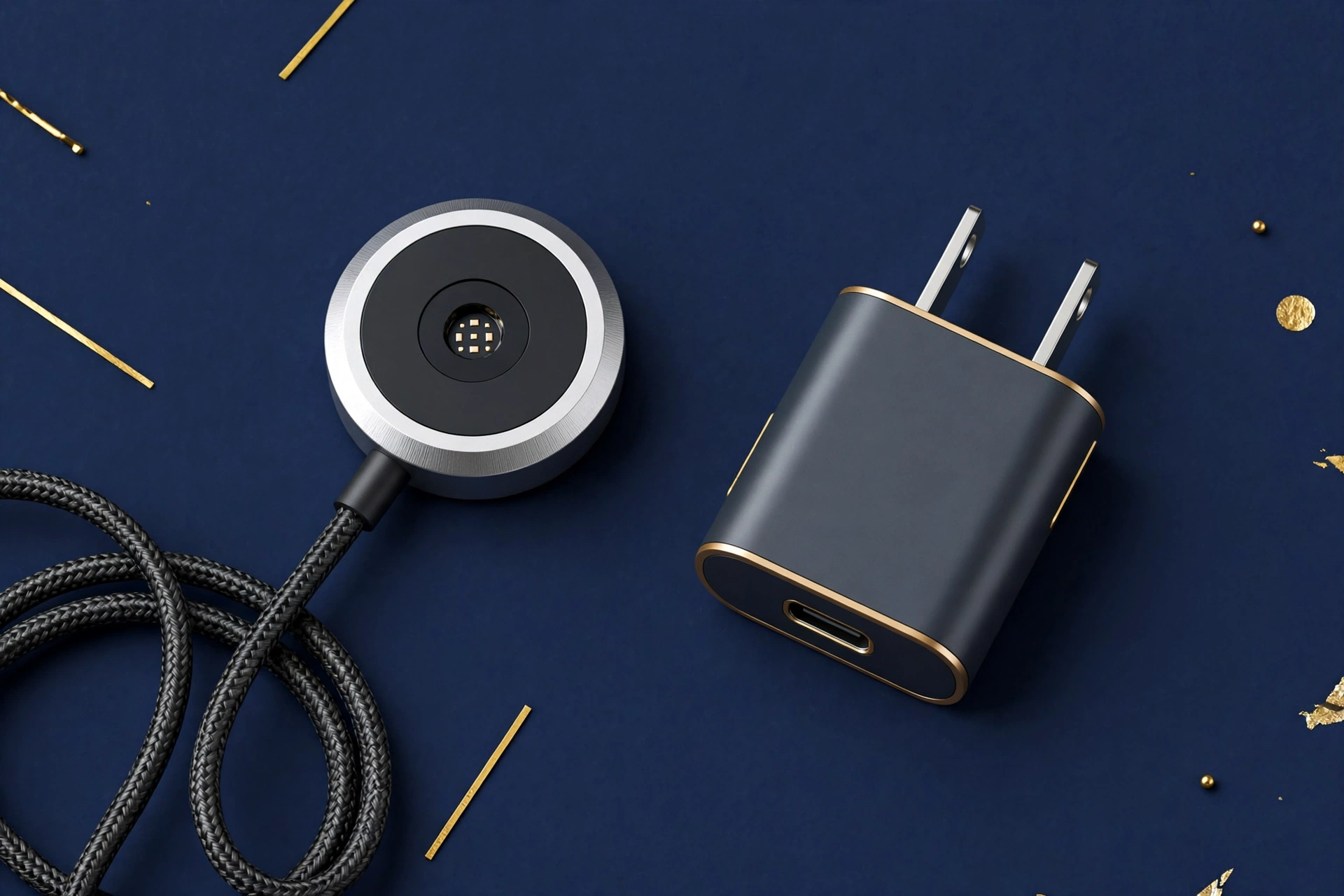
To charge an Apple Watch faster, use the Apple USB-C Magnetic Fast Charging Cable, plug it into an 18W or higher USB-C Power Delivery adapter, and connect that adapter directly to a wall outlet. Skip USB hubs, computer ports, and shared multi-port chargers, keep the watch at room temperature, and start the charge from a low battery level.
Follow these steps in order:
- Confirm your model supports fast charging. Check the list above; Series 7 and later, SE 3, and Ultra models qualify.
- Use the fast-charging cable. Look for the aluminum ring around the magnetic puck.
- Pick an 18W or higher USB-C adapter. The 20W adapter many iPhone owners have works; so do MacBook adapters from 18W to 140W (Source: Apple Support, 2026).
- Plug the adapter into a wall outlet. Do not route power through a hub, dock, or computer.
- Seat the puck flat on the watch back. A crooked puck charges slowly or not at all.
- Charge at room temperature. Move the watch away from sunlit windows or hot dashboards.
The adapter matters because it must support the USB Power Delivery standard, the protocol that negotiates voltage between the charger and the watch. A 20W adapter and a 96W MacBook adapter deliver the same speed to the watch, because the watch and cable cap the rate; the extra watts only help when the same adapter also powers other devices (Source: Apple Support, via WatchRanker, 2026).
In my own routine, I charge an Apple Watch Series 9 during a 15-minute morning coffee break with the included fast-charging cable and a 20W USB-C adapter, and it adds about a third of a charge, enough for the rest of the day.
Why Does Your Apple Watch Show a “Slow Charger” Message?
The Slow Charger message means your watch could charge faster with a higher-wattage charger; it does not mean the watch or the charger is broken. Starting with watchOS 26, the watch measures the power it receives and shows this notice in Settings > Battery when the supply falls short of what the watch can use.
The status shows in orange for a slow setup and in green when the charger supports fast charging. Apple added a support page for this on September 17, 2026 (Source: Apple Support, 2026). If you see the message, work through this checklist: switch to the USB-C Magnetic Fast Charging Cable, use a USB-C Power Delivery adapter rated 10W or higher (18W or higher on older fast-charge models), plug it into the wall instead of a hub or car port, and charge away from heat and cold. When the watch detects adequate power, the message clears on its own.
Fast Charging Cable vs Standard Charging Cable: Which One Do You Need?
Buy the USB-C Magnetic Fast Charging Cable if you own a supported model and want the fastest top-ups; keep the standard cable if your watch predates Series 7. The fast cable is easy to spot by the aluminum ring around its magnetic puck, while older pucks are plain plastic. The comparison table below lays out the differences in one glance.
| Feature | Fast charging cable | Standard cable |
|---|---|---|
| Connector | USB-C | USB-C or USB-A on older models |
| Puck | Aluminum ring around the puck | Plain plastic puck |
| Fast charging | Yes, on Series 7+, SE 3, Ultra | No |
| Works with | All Apple Watch models | All Apple Watch models |
| Newest version | Model A3277, up to 10W (2026) | Discontinued with Series 6 era |
When to use which:
- Fast charging cable: daily top-ups on Series 7 or later, travel where outlet time is short, and any setup where you want the watchOS 26 status to show green.
- Standard cable: overnight charging on any model, and as a spare for Series 6 and older where fast charging cannot work anyway.
For another practical Tech explainer, read the guide to the 5 best crypto privacy tools for 2026 next.
What Slows Apple Watch Charging Down?
The biggest slowdowns are USB hubs, computer ports, multi-port adapters, extreme temperatures, and old or damaged cables. Each one cuts the power that reaches the watch or forces the watch to throttle charging to protect the battery. Apple notes that charging through a hub or computer delivers less power than a dedicated wall charger (Source: Apple Support, 2026).
The five slowdowns and their fixes:
- USB hubs and docks. A hub splits power across devices, so the watch gets less. Plug the cable into a wall adapter instead.
- Computer ports. A laptop USB port prioritizes data and low power. Use it only for overnight top-ups.
- Multi-port adapters. Charging a phone and watch from one adapter divides the watts. Give the watch a dedicated charger for the fastest result.
- Heat and cold. Apple says the watch charges fastest at normal room temperature. A hot car dashboard or a freezing garage triggers throttling.
- Worn cables. A frayed or kinked cable delivers power inconsistently. If the puck feels hot or the charge indicator flickers, replace the cable.
How Can You Protect Battery Health While Charging Fast?
Protect battery health by charging at room temperature, keeping software current, and letting the watch manage its charge with optimized charging features. Lithium batteries age faster when hot or held at 100% for long stretches, so Apple’s optimized charging settings learn your routine and hold the final portion of the charge, which reduces wear from daily fast charges.
Three habits keep the battery healthy:
- Charge cool. Fast charging generates heat; a room-temperature surface lets that heat dissipate instead of warming the battery.
- Update watchOS. Apple ships battery-management improvements in software updates, so an outdated watch may charge less efficiently.
- Use optimized charging. Leave the battery optimization settings on so the watch avoids sitting at full charge for hours each night (Source: Apple Support, 2026).
Overnight charging is safe with these habits. The watch manages the final stage of charging on its own, so the battery is not held at maximum charge all night.
When Should You Replace Your Apple Watch Charger?
Replace your Apple Watch charger when the cable frays, the puck no longer holds a magnetic grip, or charging becomes unreliable after you rule out the adapter and the outlet. A damaged cable can charge slowly or overheat, so cleaning the puck with a soft, dry, lint-free cloth and avoiding sharp bends is the best way to extend its life.
Warning signs that the cable is done:
- The outer sheath is cracked or frayed near either connector.
- The puck slips off the watch instead of snapping on firmly.
- The charging indicator flickers on and off without movement.
- The cable or puck runs noticeably hot during a normal charge.
If charging is unreliable, test with a different adapter and a different wall outlet first. When the cable is the only constant in a failing setup, it is the part to replace.
Conclusion
An apple watch charger looks simple, but the cable generation, the adapter wattage, and the model you own decide how fast the battery refills. Match the USB-C Magnetic Fast Charging Cable with an 18W or higher USB-C Power Delivery adapter, plug it into the wall, and charge at room temperature. That combination delivers the 30-minute and 45-minute charge times Apple publishes, keeps the watchOS 26 status green, and avoids the heat and hub slowdowns that waste your time. This guide will be updated as Apple releases new models and charging hardware.
Keep exploring: browse the latest articles on the Voice of Wave blog for fresh guides across tech, health, and more.
Frequently Asked Questions
Can any USB-C cable fast-charge an Apple Watch?
No. Only Apple’s USB-C Magnetic Fast Charging Cable, identified by the aluminum ring around its magnetic puck, enables fast charging. A plain USB-C cable charges the watch at standard speed even when paired with a 20W adapter, so check the puck before blaming the adapter.
Does a higher-wattage adapter charge the watch faster?
No, not beyond what the watch can use. Apple lists its USB-C adapters from 18W to 140W as compatible, but the watch and cable negotiate the charging rate. A 96W MacBook adapter does not beat a 20W adapter on the same watch; the extra watts only matter when the adapter powers other devices too (Source: Apple Support, 2026).
Can I charge my Apple Watch from my iPhone?
Yes, as an emergency backup. USB-C iPhones, starting with the iPhone 15, can share power: plug the magnetic cable into the phone and set the watch on the puck. Charging is slow and drains the phone’s battery, so reserve this method for situations where no wall outlet or power bank is available.
Is it safe to charge an Apple Watch overnight?
Yes. The watch manages the final stage of charging on its own, and optimized charging settings reduce wear from long sessions at full charge. For overnight charging, use a wall adapter, keep the watch at room temperature, and leave battery optimization turned on.
Why is my Apple Watch charging slowly after updating to watchOS 26?
Check Settings > Battery for the new Slow Charger notice, which flags setups that deliver less power than the watch can use. Switch to the USB-C Magnetic Fast Charging Cable with an 18W or higher adapter, plug it directly into the wall, and move the watch away from heat or cold.
Do third-party Apple Watch chargers work for fast charging?
Results vary, so the safest path is Apple’s own cable and adapter, the combination Apple uses in its charge-time testing (Source: Apple Support, 2026). Third-party magnetic chargers may work for standard charging but often lack the power delivery the fast-charging models need, and cheap cables can run hot or fail early.