
Introduction
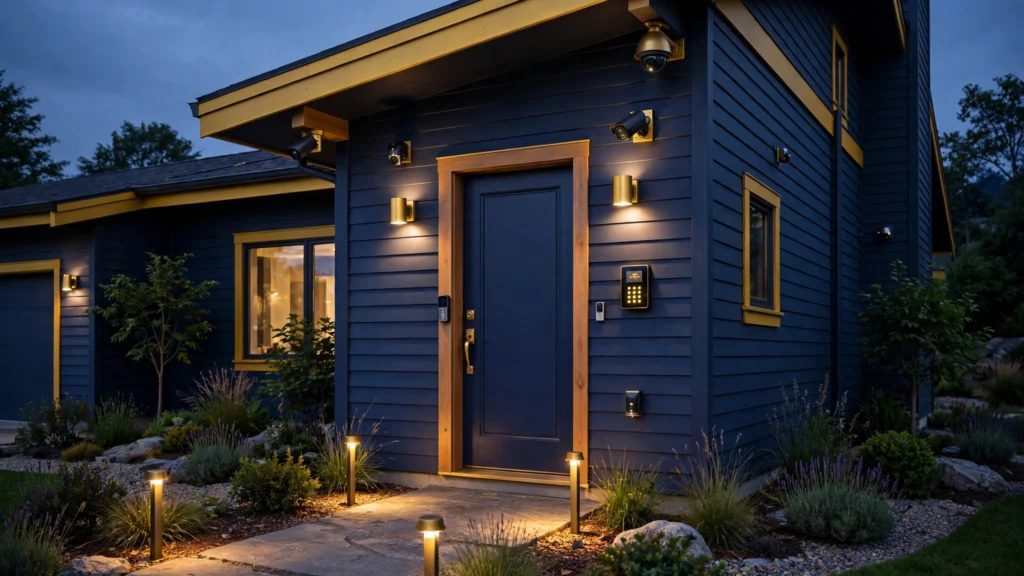
Home security systems are sets of sensors, cameras, alarms, and controls that detect entry, record activity, and alert household members or a monitoring center when a home faces intrusion, fire, smoke, or water risk. A home security system works in 4 stages: sensors detect a change, a control panel or hub receives the signal, an alarm sounds or an alert goes out, and a person or a monitoring center decides the response. The main value is early warning, recorded evidence, and a faster response when no one is home or everyone is asleep. The main parts are door and window sensors, motion sensors, cameras, a video doorbell, glass-break sensors, smoke and carbon monoxide detectors, a control panel, and an app. This guide covers types, components, monitored and self-monitored options, 2026 costs, installation choices, selection steps, false alarms, privacy, deterrence, and maintenance.
Key Takeaways
- Home security systems combine sensors, cameras, alarms, and controls to detect entry and alert people who can respond.
- Monitored systems suit households that travel or sleep through phone alerts; self-monitored systems suit households that check phones at once.
- SafeWise (2026) reports equipment from USD 99 to USD 599 or more, and monitoring from USD 17.99 to USD 60 per month.
- The FBI counted 779,542 burglaries in 2024, including 405,776 residential cases (Source: Federal Bureau of Investigation, 2024).
- Check entry points, backups, contract, storage, and privacy settings before signing.
- Test every sensor and camera after installation, and retest after battery changes.
Table of Contents
- What Are Home Security Systems?
- How Do Home Security Systems Work?
- What Components Do Home Security Systems Include?
- Monitored or Self-Monitored: Which Option Fits Your Home?
- How Much Do Home Security Systems Cost in 2026?
- DIY or Professional Installation: Which One Should You Choose?
- How Do You Choose Home Security Systems for Your Home?
- How Do You Reduce False Alarms and Protect Privacy?
- Do Home Security Systems Deter Burglars?
- Conclusion
What Are Home Security Systems?
Home security systems are connected sets of sensors, cameras, alarms, and controls that detect intrusion, fire, smoke, carbon monoxide, and water leaks, and alert people who can respond. Home security systems include hardware placed on a property and daily practices such as locking doors and arming alarms. A home security system is a set of parts that share one control point, one alert path, and one response plan.
Monitored systems send signals to a monitoring center, self-monitored systems send alerts to a phone app, and hybrid systems add monitoring later. The early home security inventions show how alarms grew into connected home systems.
The Home Improvement guides on this site cover projects that change how a home works, and sensor placement depends on the layout of each room. A small flat needs fewer sensors than a two-storey house with a garage. A rented flat needs adhesive mounts, while an owned house can use wired parts. The right size follows the entry points.
How Do Home Security Systems Work?
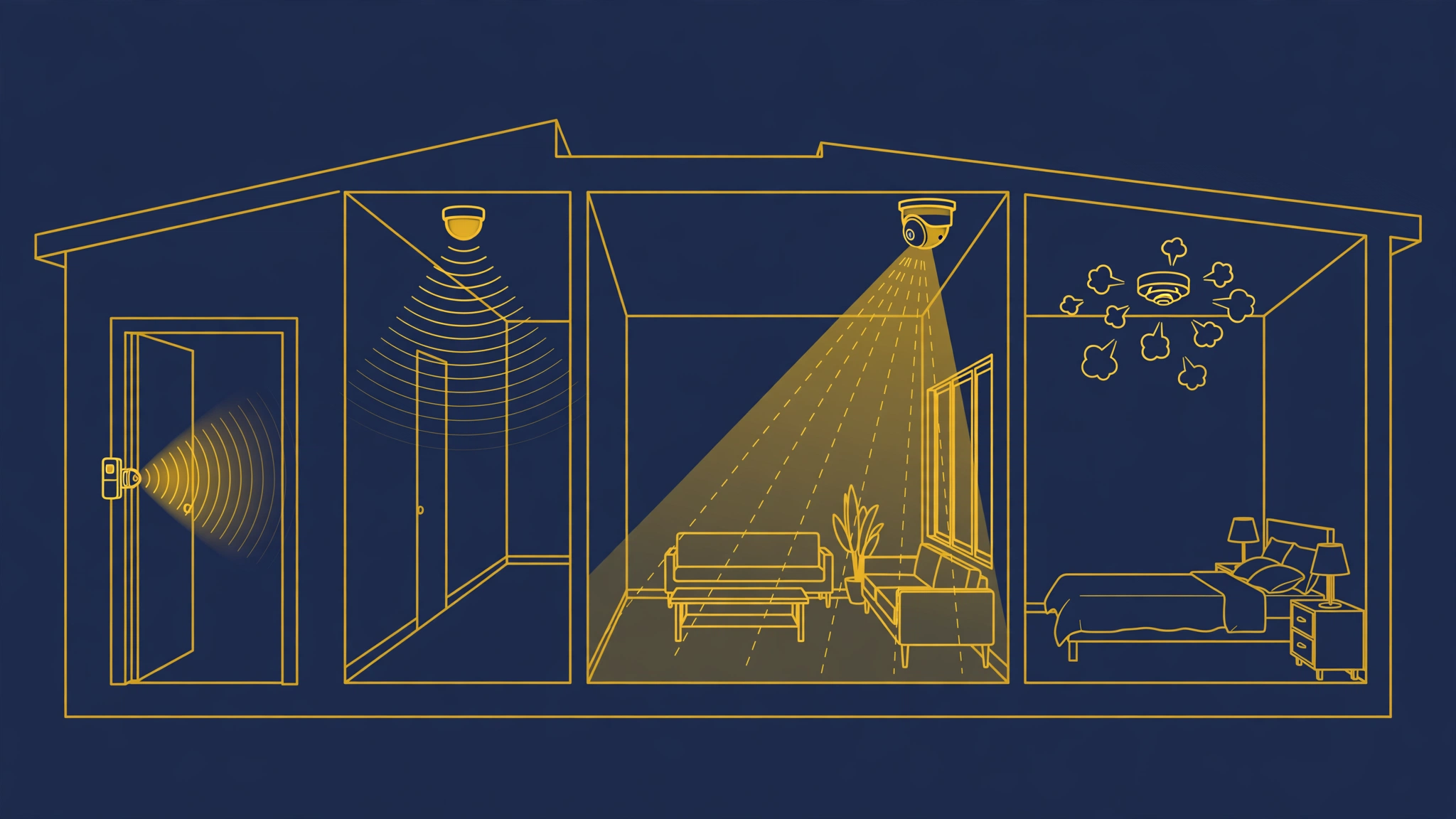
Home security systems work when a sensor detects a change, sends a signal to a control panel or hub, and the panel triggers a siren, a phone alert, or a monitoring center call. Home security systems use 3 armed modes: away, home, and disarmed. Away mode arms door, window, and motion sensors. Home mode arms door and window sensors while interior motion sensors stay off. Disarmed mode keeps sensors quiet and keeps cameras recording.
A door sensor has 2 parts: one part on the door or window and one part on the frame. The 2 parts form a closed circuit when the door or window is shut, and an open circuit when it opens. A motion sensor watches a zone for heat and movement, and a glass-break sensor listens for breaking glass. A camera records video when motion starts. The control panel links the parts, holds the backup battery and cellular radio in many models, and sends the alarm signal when Wi-Fi fails.
A practical check helps at this stage: stand at the front door at night, list every dark corner, ground-floor window, and side entry, and match one sensor or camera to each item. That walk counts entry points, while a kit box only counts parts.
What Components Do Home Security Systems Include?
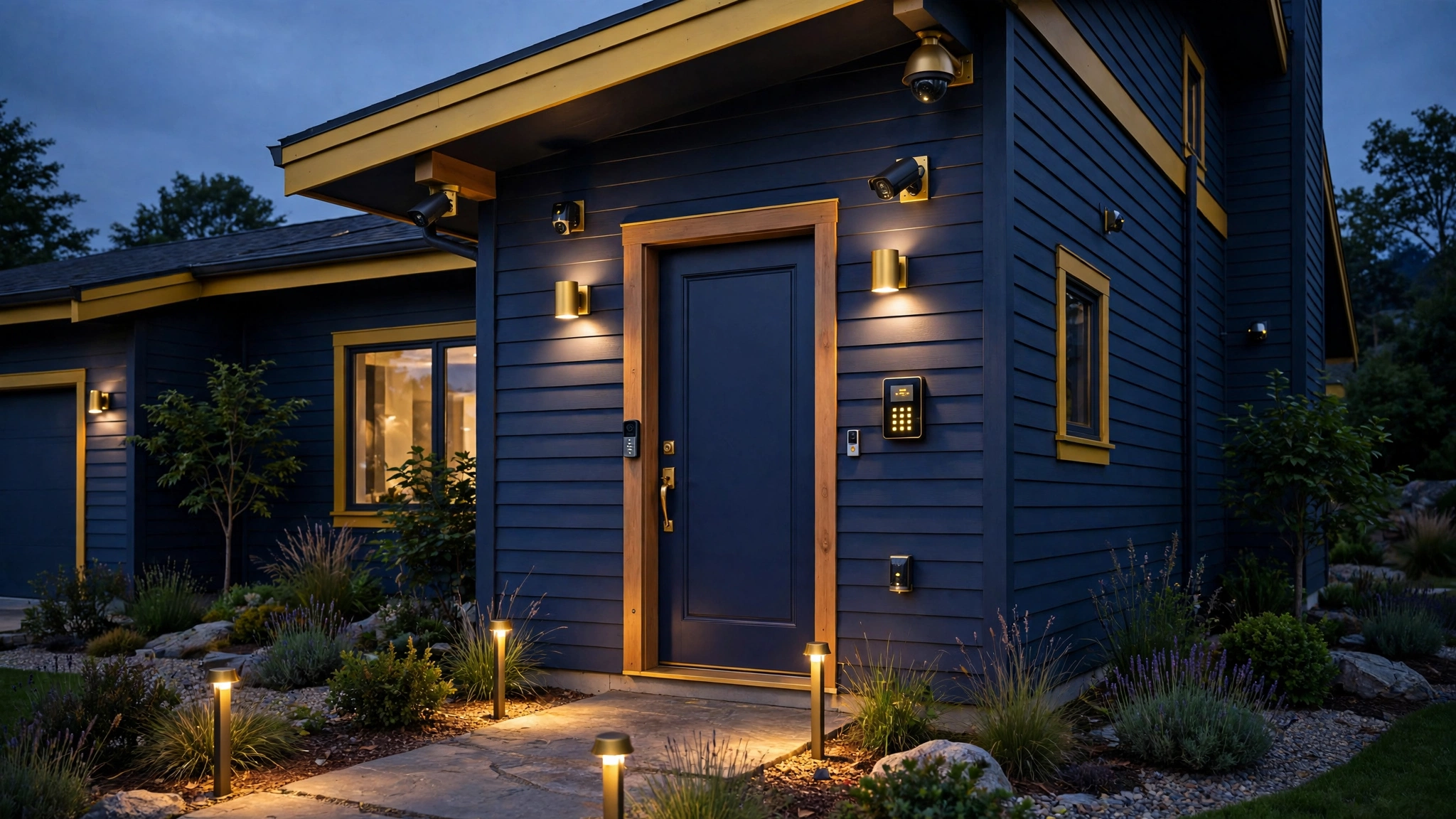
Home security systems include door and window sensors, motion sensors, glass-break sensors, cameras, a video doorbell, smoke and carbon monoxide detectors, water leak detectors, a control panel, a keypad, a siren, and a phone app. Put a sensor on each ground-floor door and reachable window, a motion sensor in a main hallway, and a camera at the main entry. A video doorbell covers the front door and supports two-way talk. A glass-break sensor covers a room with large glass panels.
Cameras divide into indoor cameras, outdoor cameras, and video doorbells. Indoor cameras watch main rooms. Outdoor cameras watch driveways and side entries, and need weather ratings and night vision. Closed-circuit television cameras transmit video to a limited set of monitors or recorders, and modern home cameras add streaming, motion alerts, and local or cloud storage. Check resolution, night vision, field of view, and storage type.
Smoke, carbon monoxide, and water leak detectors extend home security systems past intrusion. A water leak detector sits near a washing machine or under a sink and alerts household members before a leak spreads. The keypad arms and disarms the system, the siren warns intruders, and the phone app shows sensor status and camera views.
Monitored or Self-Monitored: Which Option Fits Your Home?
Monitored systems fit households that need a response when no one can check a phone, and self-monitored systems fit households that check phone alerts at once and call emergency services. A monitored system sends alarm signals to a monitoring center, and staff call the household, then emergency services when the household does not answer or confirms a real alarm. A self-monitored system sends alerts to household phones, and household members call emergency services when an alert shows a real threat.
| Factor | Monitored home security systems | Self-monitored home security systems |
|---|---|---|
| Monthly cost | Monthly fee, often USD 17.99 to USD 60 (Source: SafeWise, 2026) | No monthly fee in many cases, cloud storage fees may apply |
| Response when phones are silent | Monitoring center responds around the clock | No response until a member sees the alert |
| Emergency dispatch | Monitoring center calls emergency services after checks | Household member calls emergency services |
| Fire, smoke, and carbon monoxide alarms | Center can dispatch fire or medical help | Alert only, member must act |
| Insurance discount | Discounts reported at 5 percent to 20 percent (Source: Alarm Reviews, 2026) | Smaller discount or no discount in many cases |
| Contract | Contract terms vary, some run long-term | No contract in most DIY cases |
| Best fit | Travel, shift work, older residents, large homes | Home most of the day, fast phone habits, tight budgets |
A monitored plan suits households that travel or work night shifts. A self-monitored plan suits households at home most of the day. Check contract length, cancellation fees, and price rises before choosing.
Plan a room upgrade alongside a security upgrade with our Kitchen Remodeling: Planning, Costs and Finishes guide.
How Much Do Home Security Systems Cost in 2026?
Home security systems cost USD 99 to USD 599 or more for equipment, USD 100 to USD 400 for professional installation, and USD 17.99 to USD 60 per month for monitoring, based on ranges reported by SafeWise (2026) and eufy (2026). Costs peak in year one, when equipment, installation, and activation fees land together. A USD 20 monthly plan costs USD 1,200 over 5 years, and a USD 50 plan costs USD 3,000 over 5 years, before equipment and installation.
Equipment cost depends on sensor count, camera count, and panel type. A basic kit with a hub, 3 door sensors, and 1 motion sensor costs less than a whole-home kit with 10 sensors, 3 cameras, and a video doorbell. Camera cost depends on resolution, night vision, and storage. Local storage costs less over time than cloud storage, while cloud storage keeps video safe when a camera is stolen. Professional installation adds labour and cable runs, and wired systems cost more to install than wireless systems.
Check activation fees, camera cloud fees, extra sensor prices, and cancellation fees, and ask for the 5-year total in writing.

DIY or Professional Installation: Which One Should You Choose?
DIY installation fits wireless systems in homes with simple layouts, and professional installation fits wired systems, large homes, and homes that need cable runs or panel wiring. DIY installation uses adhesive mounts, battery sensors, and an app guide, and most kits install in a few hours. Professional installation uses fixed mounts, wired sensors, and a technician visit.
DIY installation gives no installation fee, flexible sensor moves, and a fast start, and needs checks on Wi-Fi strength, sensor range, and battery access. A sensor too far from the hub drops signals, and a camera with weak Wi-Fi drops video. Test signal strength before fixing mounts in place. Professional installation gives wired reliability, neat cable work, and a technician test of every zone, and needs checks on the visit fee, contract term, and cost of later sensor moves.
Renters should choose DIY wireless systems with adhesive mounts and no drilling, and keep the kit box for a move. In both cases, trigger each sensor, check each camera view, and check each alert before the installer leaves or the return window closes.
How Do You Choose Home Security Systems for Your Home?
Choose home security systems by counting entry points first, then matching sensors and cameras to those points, then checking backups, storage, contract terms, and privacy settings. Buyers fail when they start with a brand or kit size, because a kit counts parts, while a home needs coverage at each entry point.
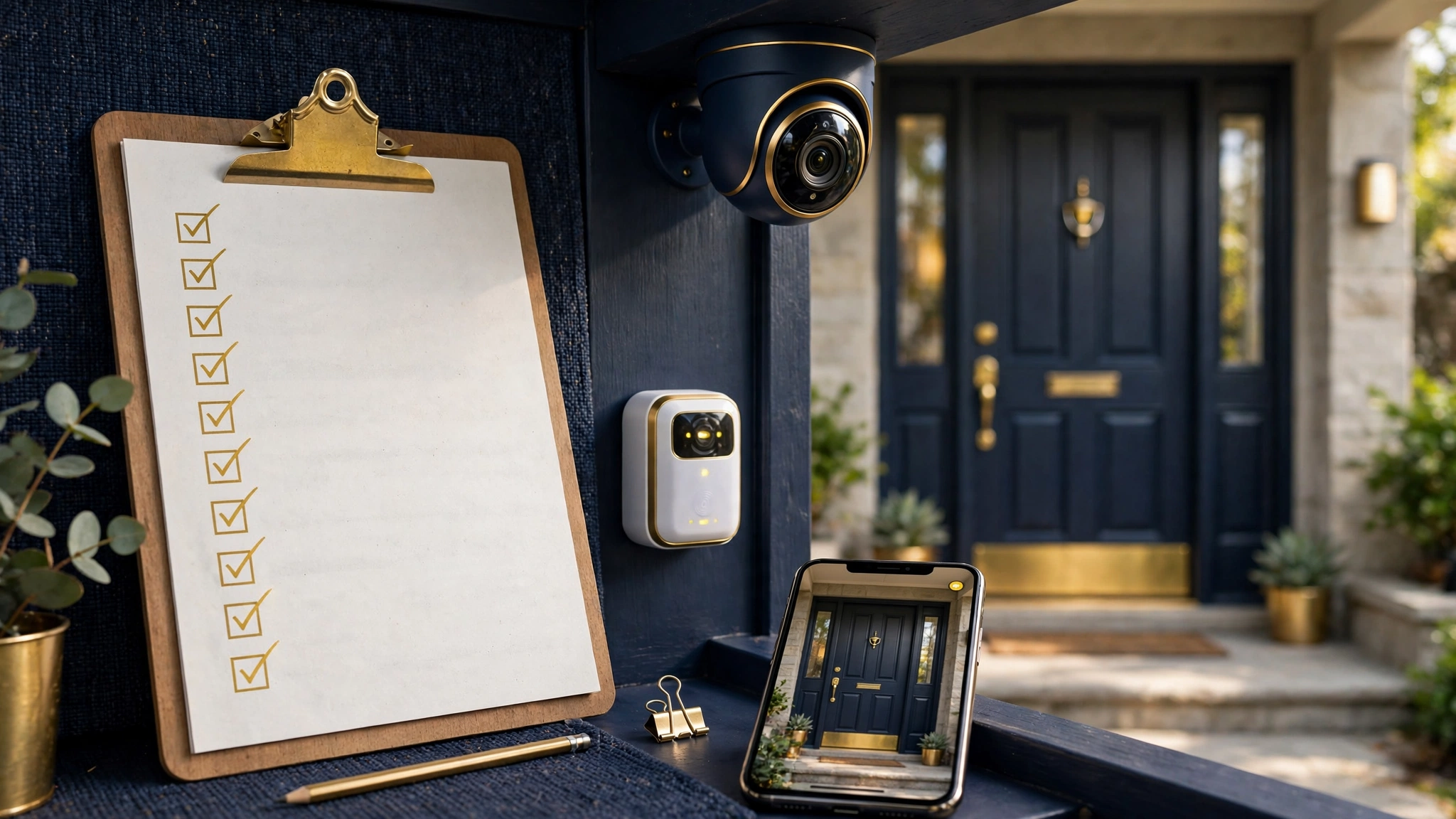
- Walk every entry point and list each door, window, and side gate.
- Mark dark corners, blind spots, and ground-floor windows.
- Count sensors for each entry point and cameras for each approach.
- Check Wi-Fi and mobile signal at each camera and hub position.
- Choose monitored or self-monitored cover based on response needs.
- Compare 5-year totals and contract terms for 3 quotes.
- Check cellular backup, battery backup hours, and storage type.
- Check camera privacy settings and data sharing controls.
- Install, then trigger and test every sensor and camera.
- Save test results, sensor map, and contract terms in one folder.
A small flat needs a door sensor, a video doorbell, one indoor camera, and a smoke detector. A family house needs sensors on each ground-floor door and window, cameras at front and rear entries, and detectors near water and heating equipment. A home with pets needs pet-immune motion sensors set to the pet weight limit.
Voice of Wave covers home, tech, and lifestyle topics for general readers. Check that a system works with the voice assistant, smart locks, and lights already in the home, and keep a keypad or key fob path that works offline.
How Do You Reduce False Alarms and Protect Privacy?
Reduce false alarms by placing motion sensors away from heat vents, pets, and busy streets, and protect privacy with camera zones, strong passwords, two-factor authentication, and local storage. False alarms come from low batteries, pets in a motion zone, sensors aimed at a busy street, heat vents, and loose mounts. Replace batteries at the first low-battery alert. Pet-immune sensors cut pet alerts, and activity zones cut street alerts.
Some cities fine repeat false alarms, so check local alarm rules and registration needs before activating a monitored plan. Keep a simple routine: arm on exit, disarm at once on entry, and teach every household member the entry delay and disarm code.
Point cameras at entries, driveways, and gardens, not at neighbours’ windows or private rooms. Set activity zones to entry paths, and review who can view live video and recorded clips. Use a strong, unique password, turn on two-factor authentication, keep firmware updated, and place cameras on a separate Wi-Fi network when the router offers one. Read the provider privacy terms for video retention and sharing before purchase.
Do Home Security Systems Deter Burglars?
Yes, home security systems deter many burglars, because visible alarms, cameras, and signs raise the risk and effort of a break-in. A University of North Carolina at Charlotte study surveyed convicted burglars: 83 percent said burglars checked for alarm systems before a break-in, and 60 percent said burglars would avoid a target with an alarm present (Source: University of North Carolina at Charlotte, 2012). The study dates from 2012, so the figures describe decisions at that time, not a current crime rate.
Deterrence does not remove risk on its own: locks, lighting, and closed windows matter with alarms, because an alarm alerts people after entry starts, while a locked door and a lit entry slow entry and raise visibility.
The FBI counted 779,542 burglaries in 2024, with 405,776 residential cases, and average loss per residential burglary ran to USD 4,986 during the day and USD 4,368 at night in 2024 (Source: Federal Bureau of Investigation, 2024; Source: MoneyGeek, 2026). A review of CCTV studies found crime reductions of 24 percent to 28 percent in public streets and urban subway stations (Source: Journal of Scandinavian Studies in Criminology and Crime Prevention, 2017). That review covers public streets, not private homes. Home deterrence needs locked doors, lit entries, visible cameras, and an armed alarm, with each part doing one job.
Conclusion
Home security systems protect property best when sensors cover every entry point, cameras cover main approaches, monitoring matches response needs, and household members test the full system after installation. The best choice follows the home layout, rental status, travel habits, and budget, not a brand ranking. Monitored cover suits households that need a response at any hour, self-monitored cover suits households that act on phone alerts at once, and a 5-year total keeps equipment, installation, and monitoring in one comparison. Check backups, storage, contract terms, and privacy settings before purchase, test every sensor before the return window closes, and keep locks, lighting, and alarm routines working together.
Read more home and lifestyle guides on the Voice of Wave blog.
Frequently Asked Questions
What is the best home security system for a small home?
The best home security system for a small home is a wireless DIY kit with a door sensor, a video doorbell, one indoor camera, and a smoke detector. Add a motion sensor in the main hallway when the flat has a second entry. Choose a kit with no contract first, then add monitoring later when travel or sleep needs change.
How much does a home security system cost per month?
A home security system costs USD 17.99 to USD 60 per month for professional monitoring, based on ranges reported by SafeWise (2026). Self-monitored systems cost no monthly monitoring fee in many cases, while camera cloud storage may add a separate fee. Compare the 5-year total, not the monthly fee alone, before signing.
Do home security systems work without Wi-Fi?
Yes, many home security systems work without Wi-Fi for core alarm signals when the panel uses cellular backup and battery backup. Cameras and app viewing need Wi-Fi or mobile data in most cases. Check cellular coverage, battery backup hours, and offline arming options before purchase, since Wi-Fi loss alone should not silence an alarm.
Do home security systems need a contract?
No, many DIY home security systems need no contract, and self-monitored plans run month to month in most cases. Professionally installed and professionally monitored systems often use long-term contracts. Read contract length, early cancellation fees, equipment ownership, and moving terms before signing any agreement.
Can renters install home security systems?
Yes, renters can install wireless home security systems with adhesive mounts, battery sensors, and portable cameras that need no drilling. Keep the kit box and mounts for a move, check lease rules on cameras in shared halls, and choose a plan with no contract. Take the system to the next home when the lease ends.
Do home security systems lower home insurance?
Yes, home security systems can lower home insurance in many cases, with discounts reported at 5 percent to 20 percent for monitored alarm systems (Source: Alarm Reviews, 2026). Discounts vary by insurer, system type, and monitoring status. Ask the insurer for the exact discount, the proof needed, and the system features that qualify before purchase.